![image_white (1).png]](https://faq.beetogreen.com/hs-fs/hubfs/image_white%20(1).png?height=40&name=image_white%20(1).png)
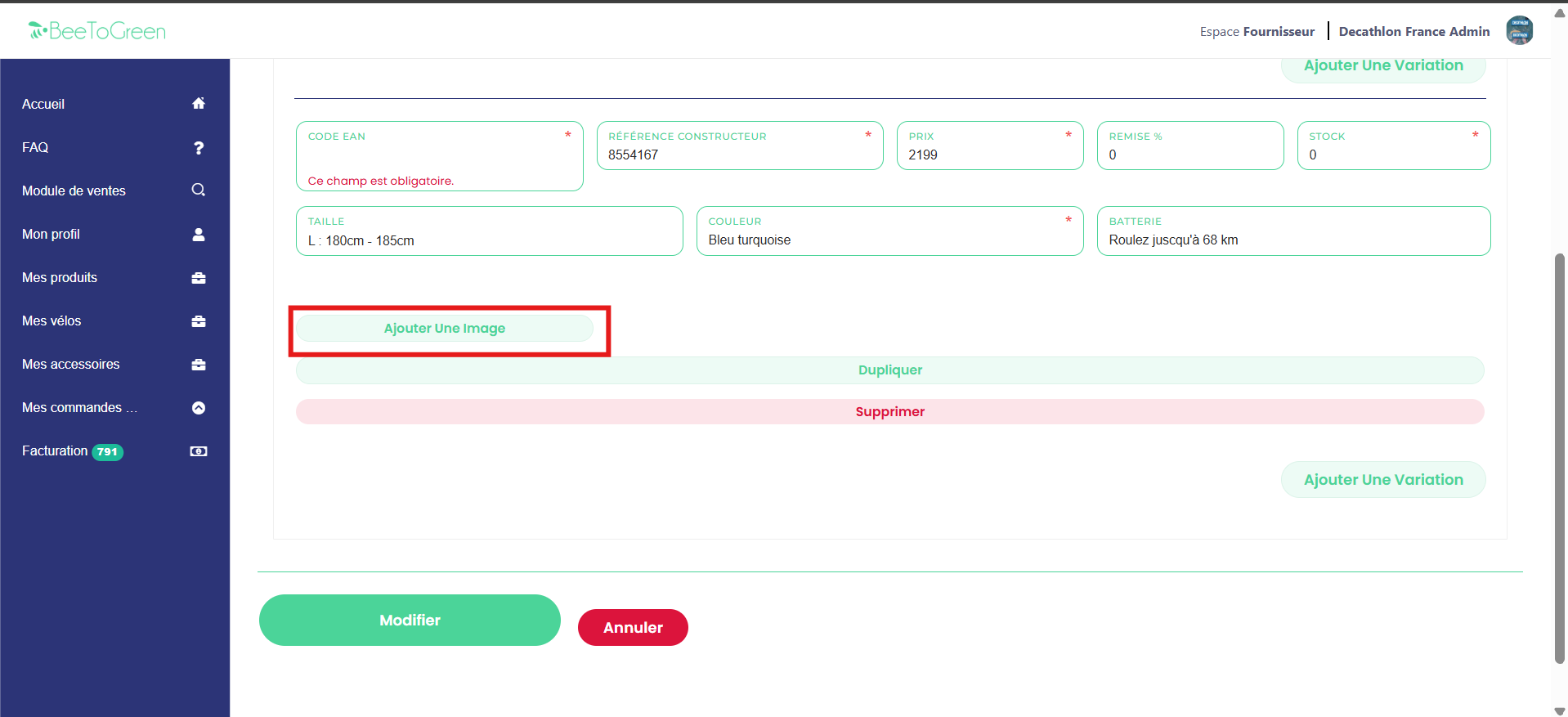
When you click on "Edit" to save your product sheet, an error message may appear.
👉 This is normal: it means that one or more mandatory fields (in red) have not been filled in.
💡 Warning: after clicking "Edit", if an error appears, some information already entered, particularly images, may disappear.
In this case:
- Carefully review the red fields to identify the missing ones.
- Reload the lost images or information before submitting again.
- If the problem persists, contact the BeeToGreen team for assistance.